0 0
0
No products in the cart.

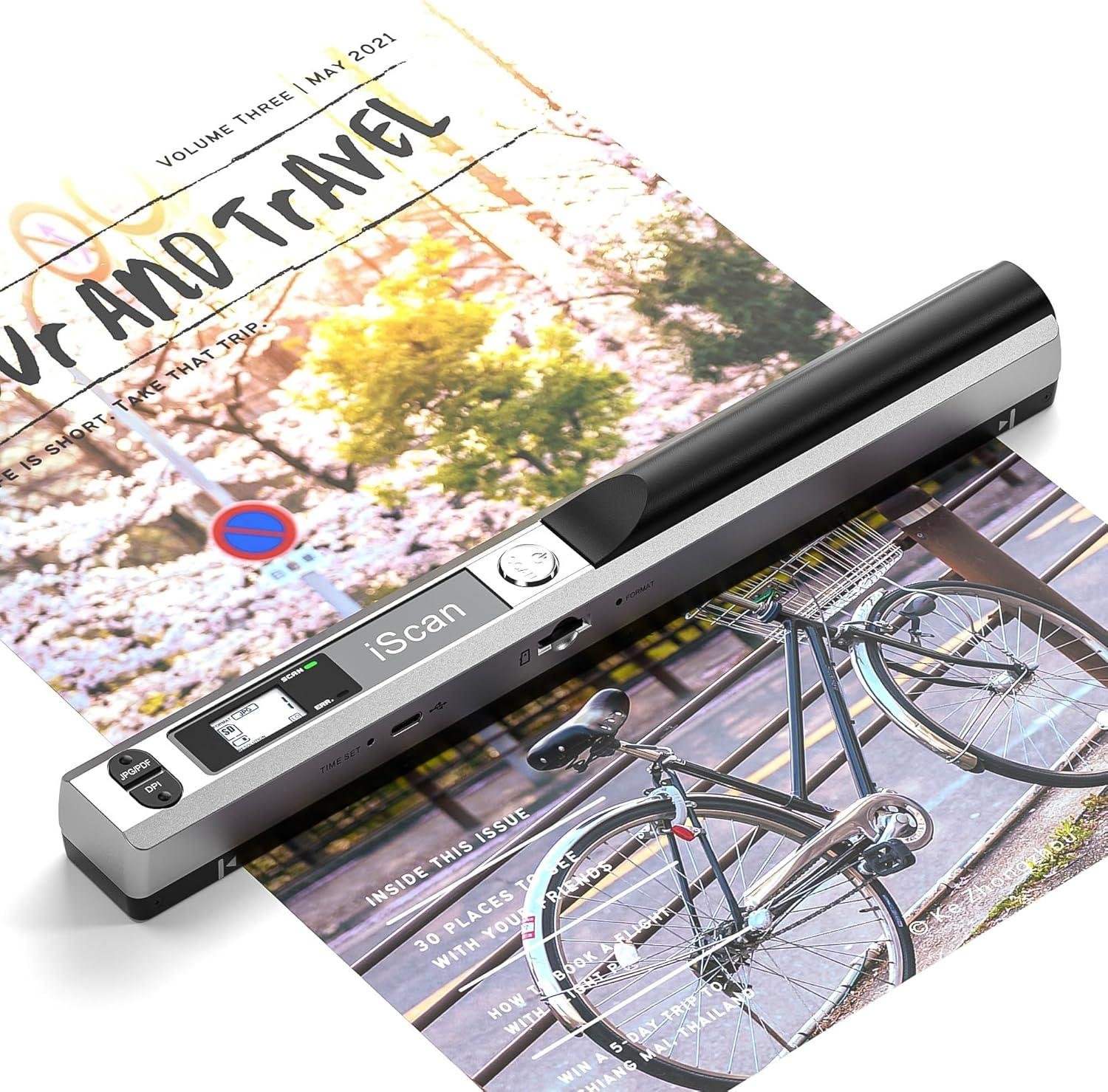
Portable Scanner, Wireless Fast A4 Document Scanner, 900DPI Flat Scanning Wand for A4 Document Book Old Picture Uplo to Laptop PC via USB Cable, 16GB Card, No Driver

$79.16

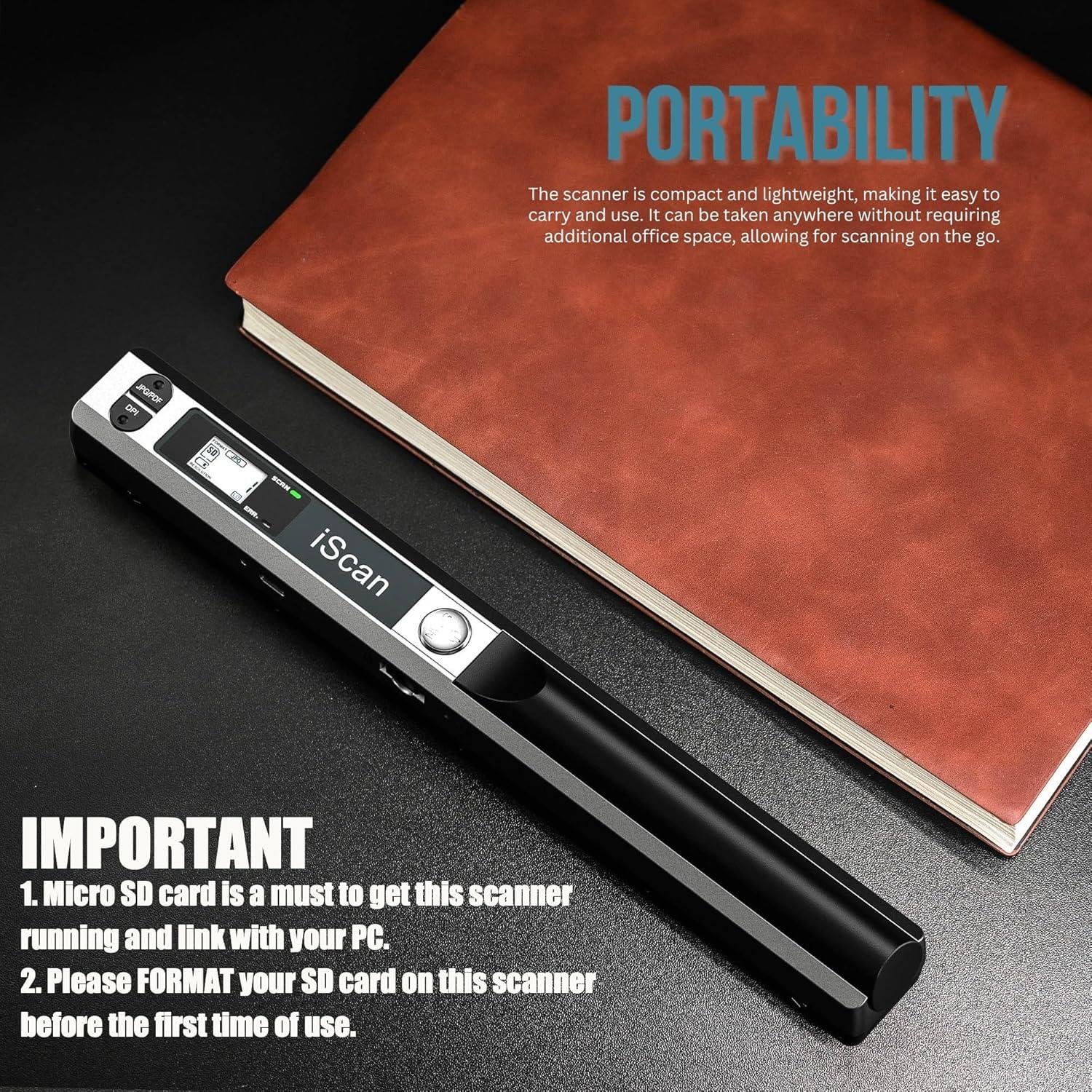
【IMPORTANT】1. Please re the instructions carefully before use. Micro SD card is a must to get this scanner running and link with your PC. 2. Please FORMAT your SD card on this scanner before the first time of use.
【NOTE】Documents can be edited using the included software. Be aware that when installing, please choose not to update the software. If not, it will ask for a activation code to use.
【16GB SD Card】Wireless Portable Scanner comes with a 16G SD card, which is a must to get this scan
(Available)
Quantity

SKU: B0DC97C8SN

Categories: Printing & Scanning Devices

About This Item

  • 【IMPORTANT】1. Please re the instructions carefully before use. Micro SD card is a must to get this scanner running and link with your PC. 2. Please FORMAT your SD card on this scanner before the first time of use.
  • 【NOTE】Documents can be edited using the included software. Be aware that when installing, please choose not to update the software. If not, it will ask for a activation code to use.
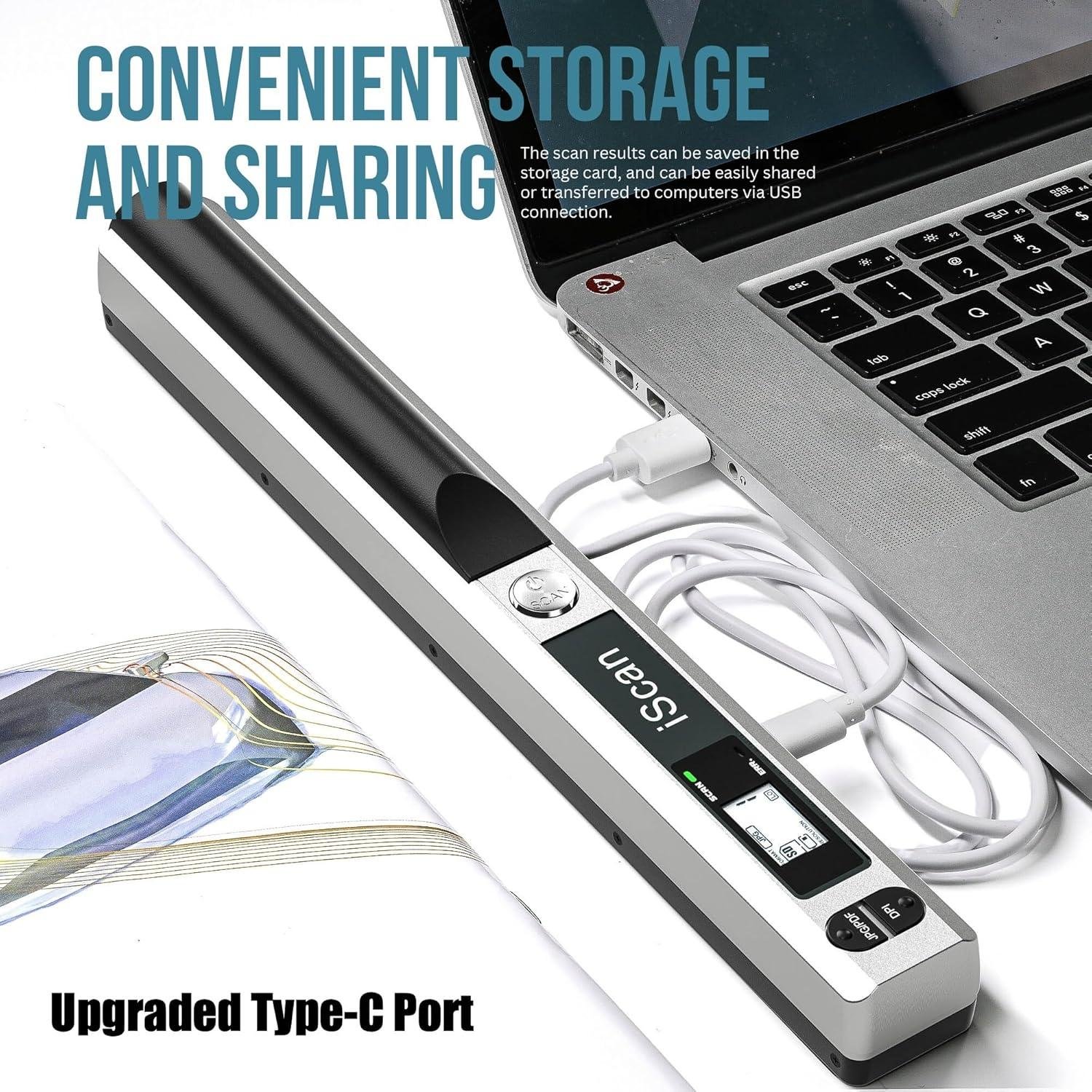
  • 【16GB SD Card】Wireless Portable Scanner comes with a 16G SD card, which is a must to get this scanner to work (Pls re the instructions carefully to format the SD card before use)
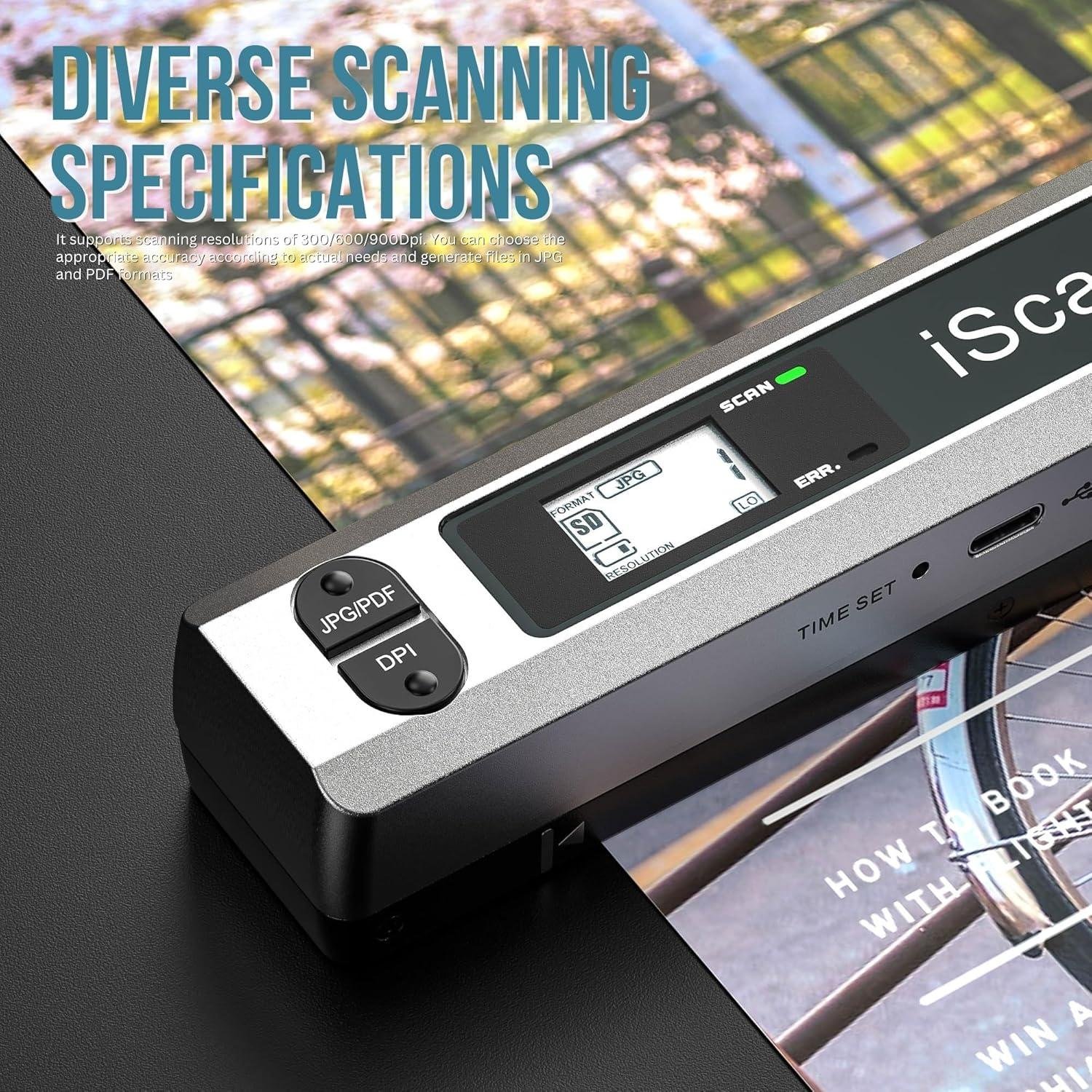
  • 【900DPI Resolution】Photo Scanner can scan color photo or plain text in JPG or PDF format in optional resolutions - 300/600/900dpi
  • 【Wide Effective Scanning Width】Document Scanner designed with a wide effective scanning width up to 225mm (ref. A4 sheet 213mm)

Product Overview

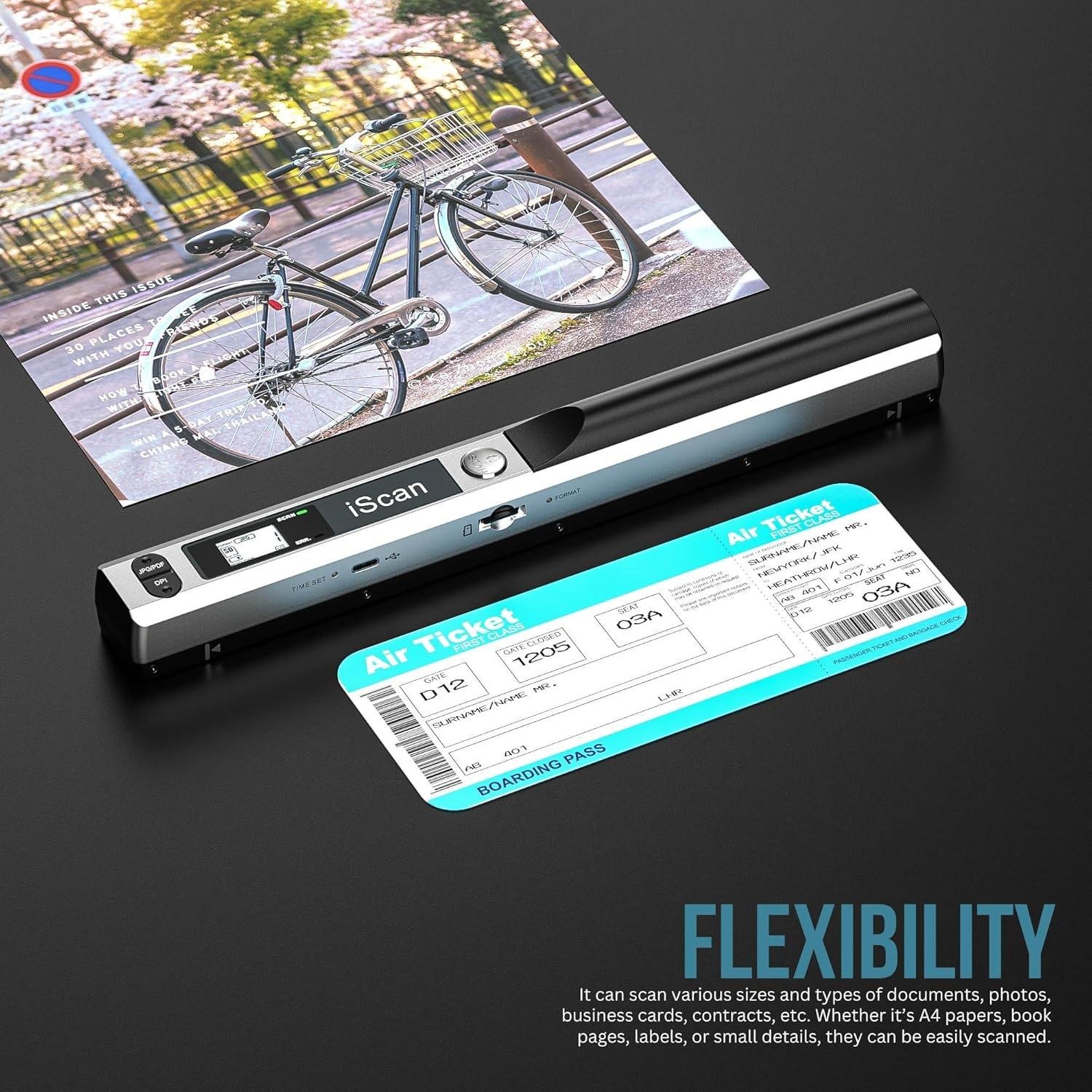
Scanner TypeDocument, Photo, ID Card, Driving License, Receipt, Recipe, Bank Check
BrandWQV
Connectivity TechnologyUSB
Product Dimensions1.2"D x 10"W x 1.3"H
Resolution900 dpi
Item Weight6.4 ounces
Minimum System RequirementsWindows, macOS

Additional Information

Product Dimensions1.2 x 10 x 1.3 inches
Item Weight6.4 ounces
ASINB0DC97C8SN
Item model number7157PS-A4/900-16G
Customer Reviews3.8 (5) 3.8 out of 5 stars
Best Sellers Rank#216,355 in Office Products (See Top 100 in Office Products) #251 in Document Scanners
Date First AvailableAugust 6, 2024
ManufacturerWQV

Description

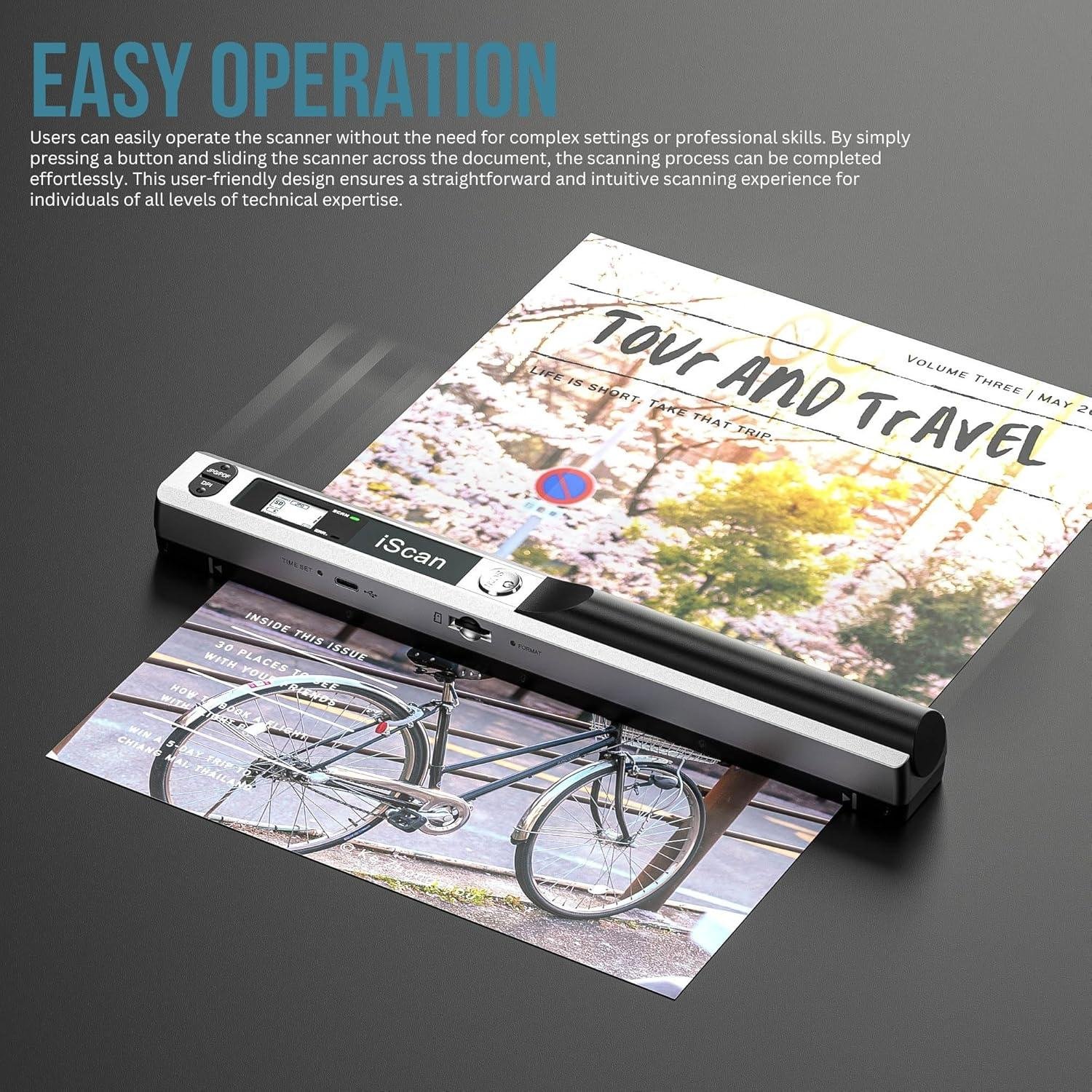
If the scanner cannot re your SD card, please format the SD card first. Step 1: Insert the SD card into the slot, then switch on the scanner; Step 2: Press the “Format” button next to the SD card slot, and the LCD displays “F”; Step 3: Press the “Power/Scan” button, then the SD card shown on the LCD display flashes till the format is finished. Tips for use -Before use, please use the Calibration Card included to just the white balance. -Please note that the effective width is shorter the scanner


Add your review

Your email address will not be published. Required fields are marked *

Please login to write review!

Upload photos

Looks like there are no reviews yet.

Your experience on this site will be improved by allowing cookies Cookie Policy